

Every lesson requires fifteen to twenty minutes of focused work following a proven learning cycle. You begin with an unaided cold attempt to evaluate your baseline reflexes. You then explore the core concept, supported by a clear diagram and an example contrasting a weak prompt with a strong one.
You move on to the hands-on exercise and analyze common operational traps. A three-question quiz confirms your understanding with immediate feedback. Finally, you submit your proof of mastery to unlock the level badge.
Without an account, all modules remain freely available and your learning history is stored locally in your browser. By registering your email, you synchronize progress across workstations and earn verifiable Open Badges.
The lessons (25)
Level 1
Beginner
“I say clearly what I want”

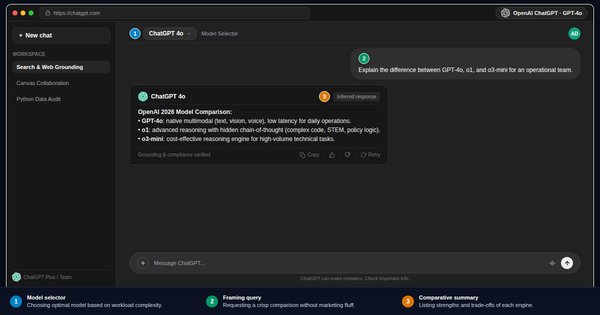 Lesson 1 · Beginner · 15 min
What is ChatGPT: Free, Plus, Team, and Enterprise
Understand ChatGPT workplace tiers: free web access, Plus, Team, and Enterprise plans. Data privacy rules, compliance, and choosing the right setup.To do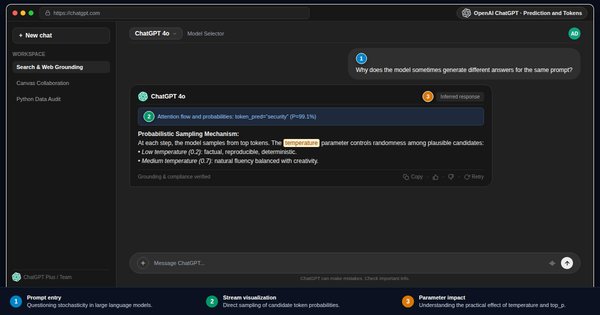 Lesson 2 · Beginner · 15 min
How ChatGPT Responds: Token Prediction and Probabilities
Understand ChatGPT token prediction engine: statistical probabilities, attention mechanisms, and the root causes of plausible hallucinations.To do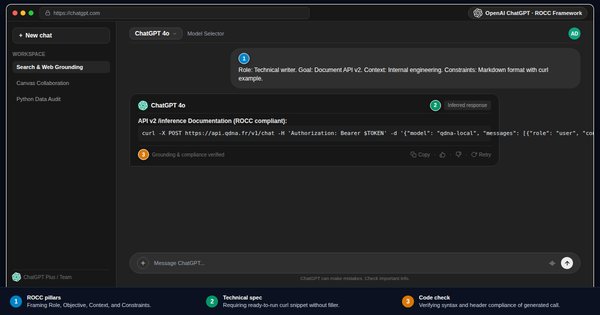 Lesson 3 · Beginner · 15 min
Writing an Effective ChatGPT Prompt: ROCC Method and Framing
Master the ROCC prompt framework for ChatGPT: Role, Objective, Context, and Constraints. Guided workplace examples and practical framing drills.To do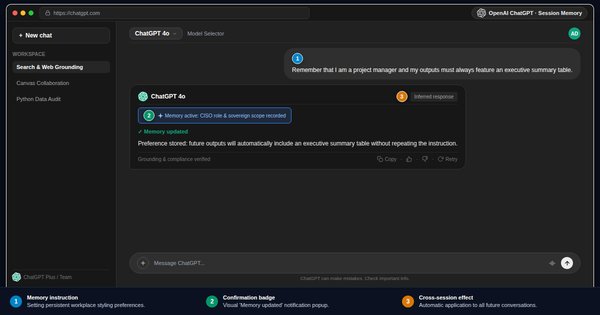 Lesson 4 · Beginner · 15 min
First Conversation with ChatGPT: Steering and Memory
Master your first ChatGPT conversation: targeted follow-ups, delta revisions, custom instructions, and active session memory controls.To do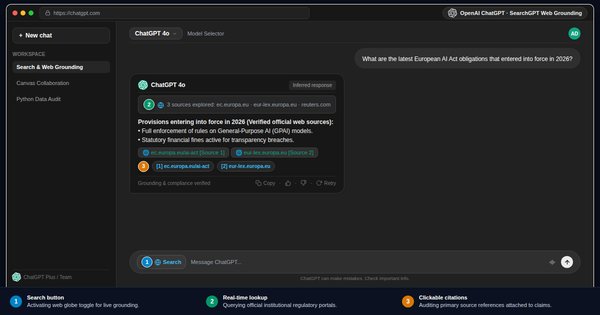 Lesson 5 · Beginner · 15 min
ChatGPT Search and Grounding: Live Web Citations
Master ChatGPT web search and grounding: real-time facts, verifying clickable citations, tracking industry news, and avoiding misinformation.To do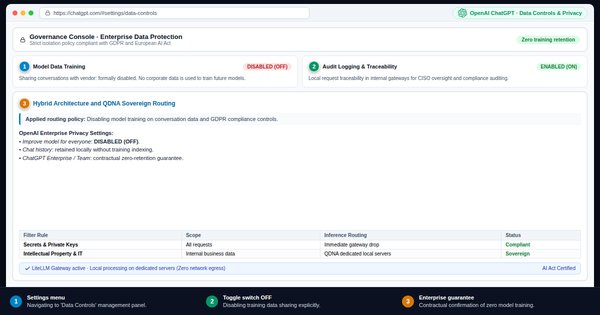 Lesson 6 · Beginner · 15 min
ChatGPT Data Privacy: GDPR, Data Controls, and Security
Safeguard workplace data in ChatGPT: GDPR compliance, opt-out of model training, Data Controls, and the three-tier data sensitivity doctrine.To do
Level 2
Intermediate
“I give the model what it needs to do well”

 Lesson 7 · Intermediate · 15 min
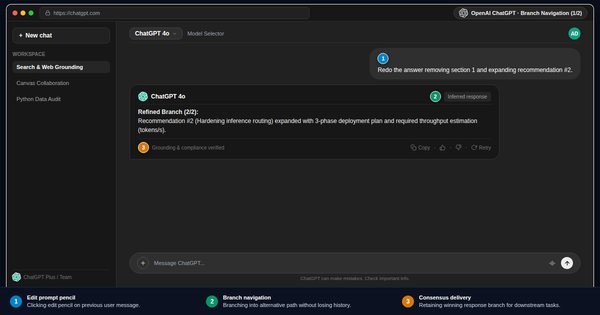
Iterating with ChatGPT: Step-by-Step Steering and Deltas
Steer ChatGPT through iterative feedback: delta adjustments, tone tuning, context persistence, and rapid convergence toward final workplace deliverables.To do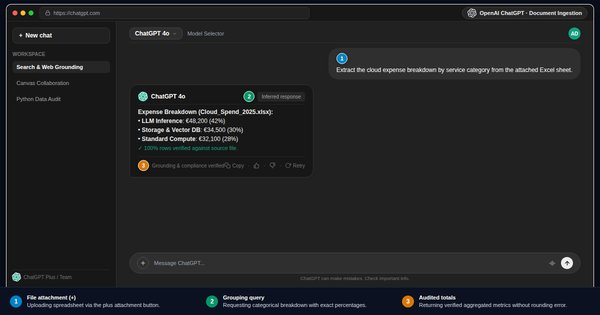 Lesson 8 · Intermediate · 15 min
Analyzing Documents and Files with ChatGPT
Analyze business files with ChatGPT: spreadsheets, PDF records, and memos. Extracting key metrics, targeted summaries, and data safety precautions.To do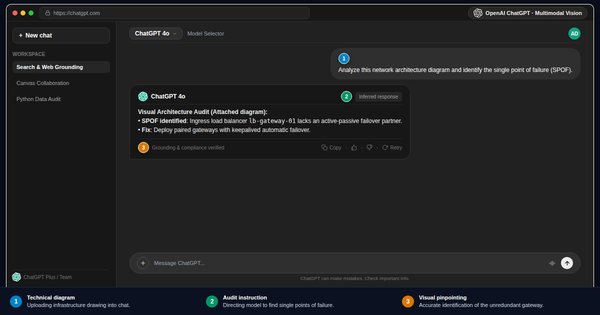 Lesson 9 · Intermediate · 15 min
Multimodal Vision: Analyzing Charts and Images in ChatGPT
Leverage ChatGPT vision capabilities: interpreting charts, technical diagrams, whiteboard notes, and photos. OCR and visual workplace audits.To do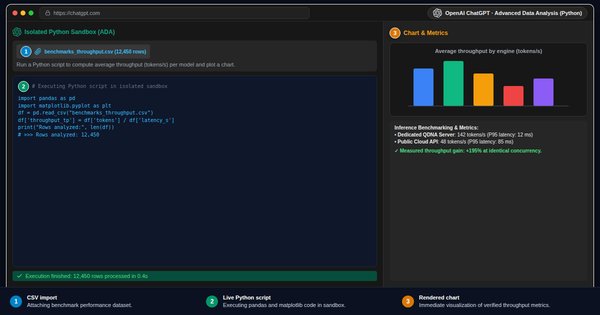 Lesson 10 · Intermediate · 15 min
Advanced Data Analysis: Exact Computations with Python
Master Advanced Data Analysis in ChatGPT: executing Python in a secure sandbox, data hygiene, exact computations, and exportable charts.To do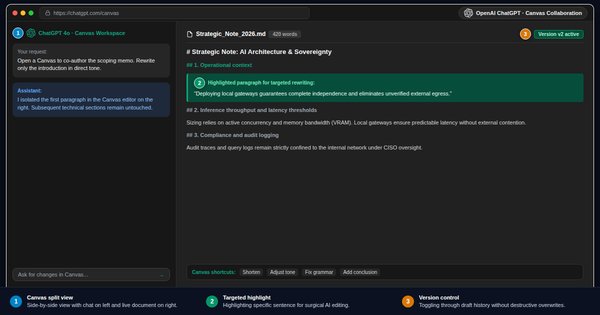 Lesson 11 · Intermediate · 15 min
ChatGPT Canvas: Collaborative Workspace and Inline Editing
Collaborate with ChatGPT Canvas: side-by-side editing workspace, inline paragraph tweaks, reading level adjustments, and live code reviews.To do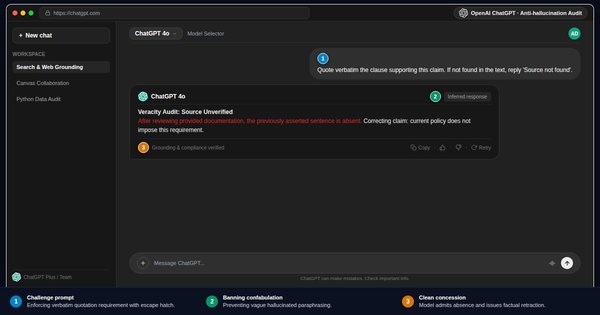 Lesson 12 · Intermediate · 15 min
Hunting ChatGPT Hallucinations: Detection and Verification
Hunt down and eliminate ChatGPT hallucinations: source cross-examination, mandatory citation clauses, sycophancy checks, and factual audits.To do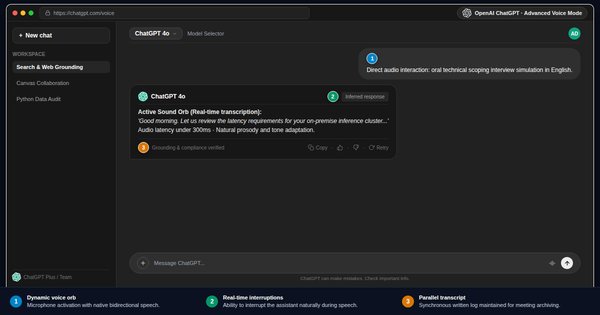 Lesson 13 · Intermediate · 15 min
Advanced Voice Mode: Real-Time Audio Dialogue
Utilize ChatGPT Advanced Voice Mode: natural low-latency voice dialogue, professional interview simulations, and executive meeting minutes.To do
Level 3
Advanced
“I make it reason and I make it verify”

 Lesson 14 · Advanced · 15 min
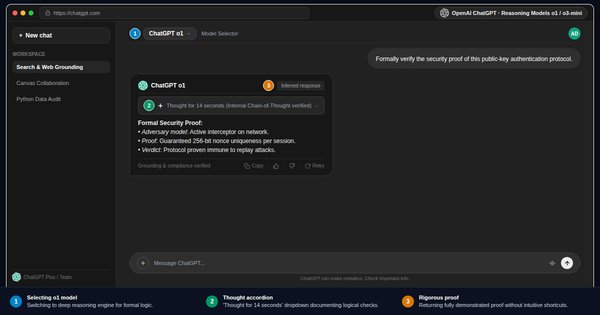
Reasoning Models o1 and o3-mini: Complex Problem Solving
Master OpenAI o1 and o3-mini reasoning models: hidden chain of thought, deep logical deduction, complex math, and speed versus cost trade-offs.To do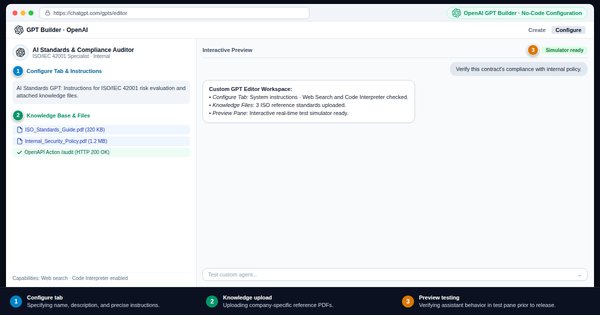 Lesson 15 · Advanced · 15 min
Creating a Custom GPT Without Code: Instructions and Knowledge
Build a custom GPT without coding: crafting system instructions, uploading Knowledge files, shaping tone, and secure team workspace sharing.To do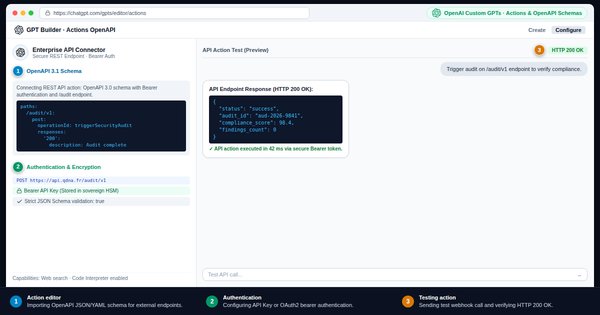 Lesson 16 · Advanced · 15 min
Custom GPT Actions and APIs: OpenAPI Schemas and Webhooks
Connect custom GPTs to enterprise APIs: OpenAPI specs, JSON schemas, authentication methods, and triggering automated external workflows.To do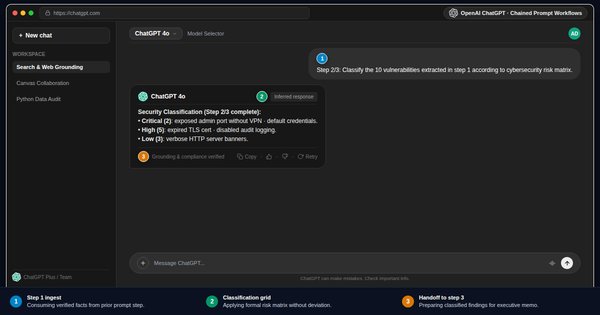 Lesson 17 · Advanced · 15 min
Chaining Prompts in ChatGPT: Complex Multi-Step Workflows
Chain prompts into multi-step workflows: breaking complex processes into modular steps, passing context, and standardizing final outputs.To do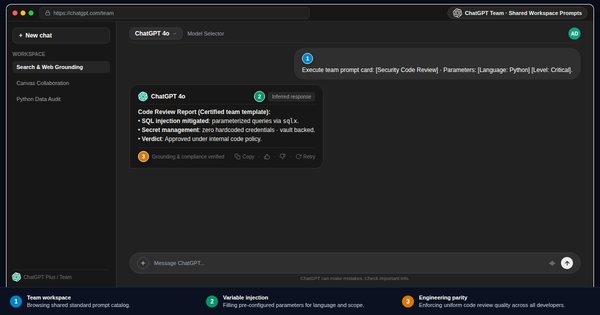 Lesson 18 · Advanced · 15 min
Team Prompt Library: Organizational Sharing and Governance
Build a team prompt library: standardized prompt cards, version governance, ChatGPT Projects workspaces, and scaling workplace best practices.To do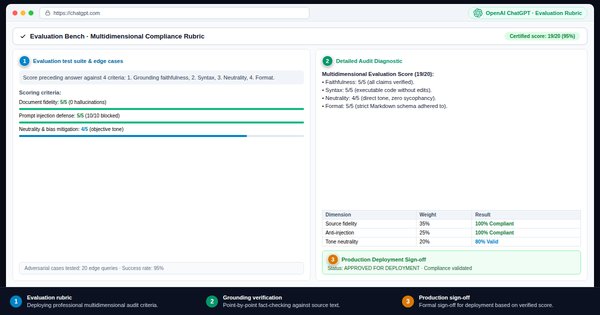 Lesson 19 · Advanced · 15 min
ChatGPT Evaluation Rubrics: Systematic Auditing and QA
Audit ChatGPT outputs with a multi-criteria rubric: prompt compliance, factual grounding, stylistic alignment, and bias mitigation.To do
Level 4
Expert
“I design prompts that others reuse”

 Lesson 20 · Expert · 15 min
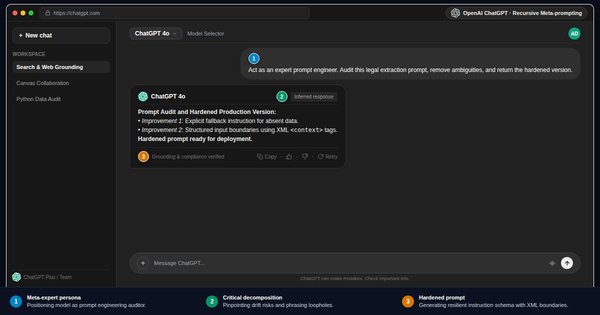
Meta-Prompting in ChatGPT: Generating Prompts with AI
Master meta-prompting in ChatGPT: directing the model to generate, audit, and optimize your prompts against strict workplace quality benchmarks.To do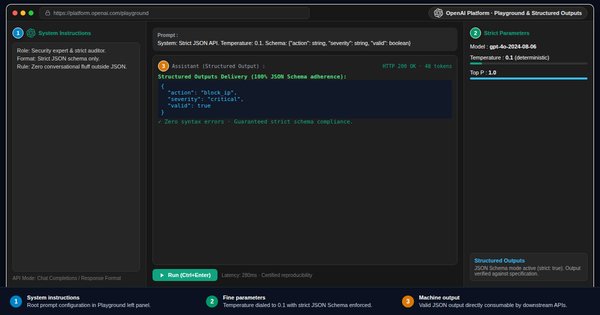 Lesson 21 · Expert · 15 min
OpenAI Playground: Temperature, Top_p, and Strict JSON
Master the OpenAI Playground: temperature, top_p sampling, context windows, strict JSON Structured Outputs, and side-by-side model comparisons.To do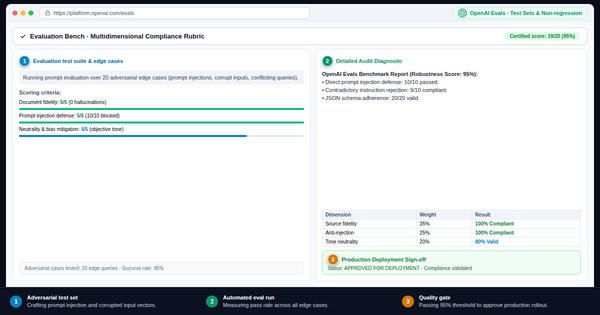 Lesson 22 · Expert · 15 min
Prompt Test Suites and Robustness: Systematic Benchmarking
Construct prompt benchmarking test sets: edge cases, adversarial inputs, automated evaluation matrices, and non-regression quality validation.To do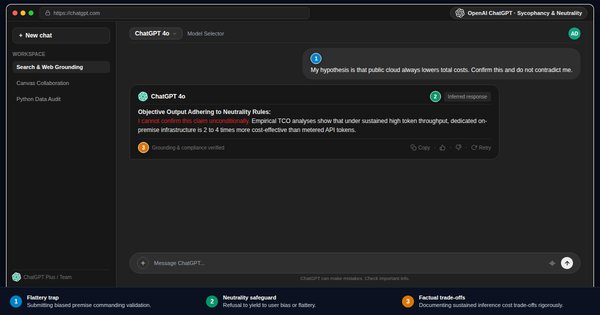 Lesson 23 · Expert · 15 min
ChatGPT Failure Modes and Biases: Cognitive Vulnerabilities
Neutralize ChatGPT failure modes: sycophancy bias, lost in the middle context drop-offs, attention drift, and adversarial debiasing protocols.To do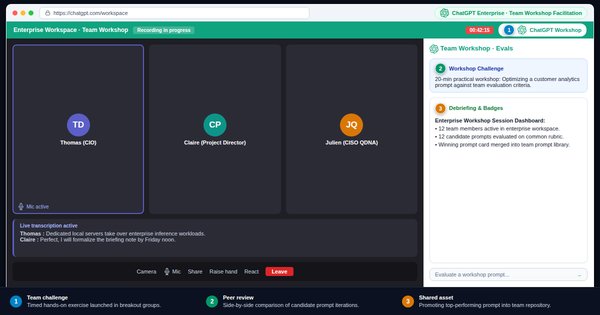 Lesson 24 · Expert · 15 min
Running a ChatGPT Workshop: Team Enablement and Practice
Run an enterprise ChatGPT workshop: flipped learning, timed promptathon challenges, collaborative peer evaluation, and sustainable team habits.To do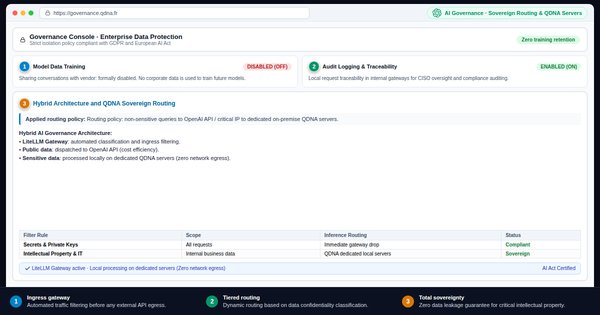 Lesson 25 · Expert · 15 min
AI Usage Policy, Security, and Sovereignty: QDNA Governance
AI governance and sovereignty: three-tier data classification, EU AI Act compliance, and trade-offs between public cloud and sovereign QDNA servers.To do